
Sending a digital case has never been easier. Simply select your scanner below and follow the instructions to add CAD/CAM DOCS as the default destination on your preferred device.
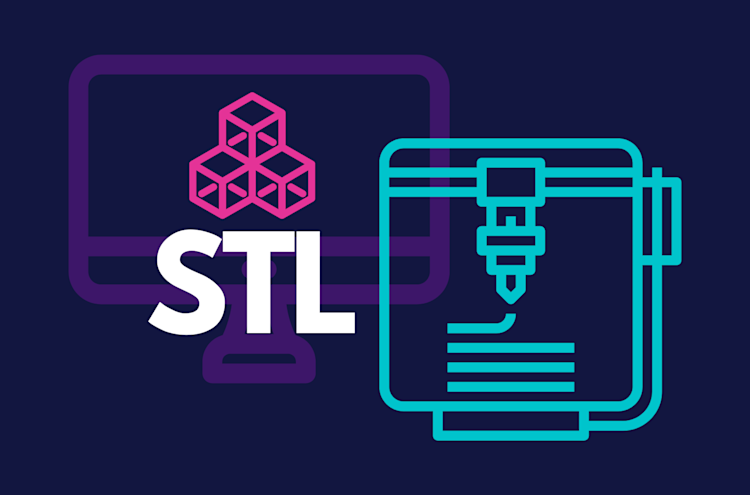
Uploading files directly to our lab is simple and efficient. Simply submit STL files, case photos, DICOM files, shade match photos, or any other documents relevant to your case through the convenient drag & drop tool.
Sign into your iTero scanner
Connect with CAD/CAM Dental Lab using our Company ID:
For Milwaukee: 615322
For Chicago: 556455
For Minneapolis: 631069
For South Carolina: 631072
After connecting us as a lab, select “CADCAM DOCS” on your scanner when sending files
Visit us 3shapecommunicate.com
Search milwaukee@cadcamdocs.com to find our lab and connect.
Select CAD/CAM Dental Lab whenever sending files.
Create or login to your DS Core account.
Select “Place Order”
Select CAD/CAM Dental Lab as your provider.
Whenever submitting your case via DS Core, select CADCAM DOCS from your Preferred Lab list.
Visit meditlink.com/register and select “don’t have an account? Sign up.”
Select the “Administrator” option under the category that best fits your business.
Provide your information and check your email for a verification link. This email will also contain instruction to download the software.
Select “Add New Partner” and search for CADCAM DOCS Lab to start sending cases to our lab.
262-997-4600
W134N5500 Campbell Drive
Menomonee Falls, WI 53051
minneapolis@CadCamDocs.com
262-997-4600
825 Nicollet Mall Suite 933
Minneapolis, MN 55402
scarolina@CadCamDocs.com
262-997-4600
1704 E. Greenville St. Suite 2A
Anderson, SC 29621

Dentist-Owned. Technician Driven. Patient Focused.
© 2026 CAD/CAMDOCS — Digital Dentistry, Delivered Faster.
Site Powered by DentalLabSupport.com