CAD/CAMDOCS Minneapolis is a full-service digital dental laboratory built to support busy dental practices with same-day and next-day restorations, dependable communication, and precision-driven results. As a dentist-owned, technician-driven lab, we understand the clinical demands of Minneapolis practices and deliver restorations you can trust — on time, every time.
Services Available
Tel: (262) 997-4600
minneapolis@cadcamdocs.com
Elmon is a dedicated dental laboratory professional with a strong passion for precision, craftsmanship, and restoring confident smiles. With hands-on experience in dental lab workflows, he specializes in creating high-quality dental restorations that combine functionality, durability, and natural aesthetics. Elmon works closely with dentists and dental professionals to ensure every restoration meets the highest standards of fit, comfort, and appearance. His attention to detail and commitment to excellence help deliver reliable results that improve patients’ oral health and confidence. Driven by continuous learning and innovation in dental technology, Elmon is committed to maintaining high laboratory standards while providing dependable support to dental clinics and practitioners.
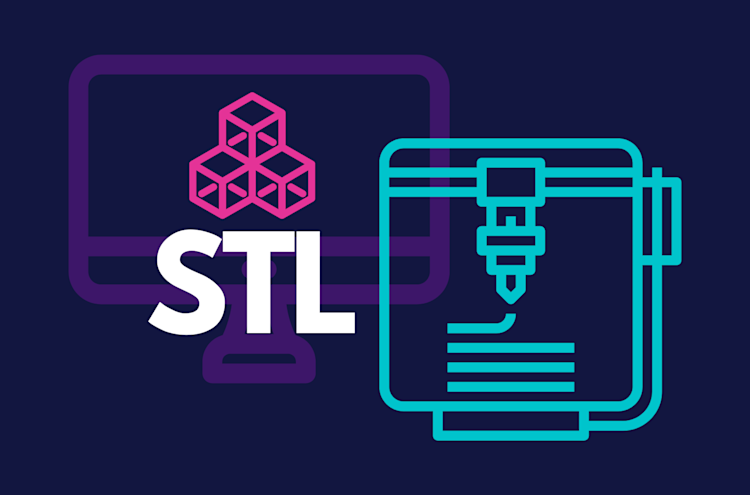
Uploading files directly to our lab is simple and efficient. Simply submit STL files, case photos, DICOM files, shade match photos, or any other documents relevant to your case through the convenient drag & drop tool.
Sign into your iTero scanner
Connect with CAD/CAM Dental Lab using our Company ID: 631069
After connecting us as a lab, select “CADCAM DOCS” on your scanner when sending files
Visit us 3shapecommunicate.com
Search milwaukee@cadcamdocs.com to find our lab and connect.
Select CAD/CAM Dental Lab whenever sending files.
Create or login to your DS Core account.
Select “Place Order”
Select CAD/CAM Dental Lab as your provider.
Whenever submitting your case via DS Core, select CADCAM DOCS (minneapolis@cadcamdocs.com) from your Preferred Lab list.
Visit meditlink.com/register and select “don’t have an account? Sign up.”
Select the “Administrator” option under the category that best fits your business.
Provide your information and check your email for a verification link. This email will also contain instruction to download the software.
Select “Add New Partner” and search for CADCAM Docs to start sending cases to our lab.
Dentist-Owned. Technician Driven. Patient Focused.
© 2026 CAD/CAMDOCS — Digital Dentistry, Delivered Faster.
Site Powered by DentalLabSupport.com